Introduce your practice
Show your team, your location, and what a prospective patient can expect when they contact you. Use one invitation to request a first visit.

DENTAL POSTCARD MARKETING
Give nearby households a clear introduction to your practice. Choose your audience, upload your own dental postcard design, and let Prime Postcards handle printing and mailing.
Start with Free and your own mailing list. Choose Prime for map targeting and additional audience tools.
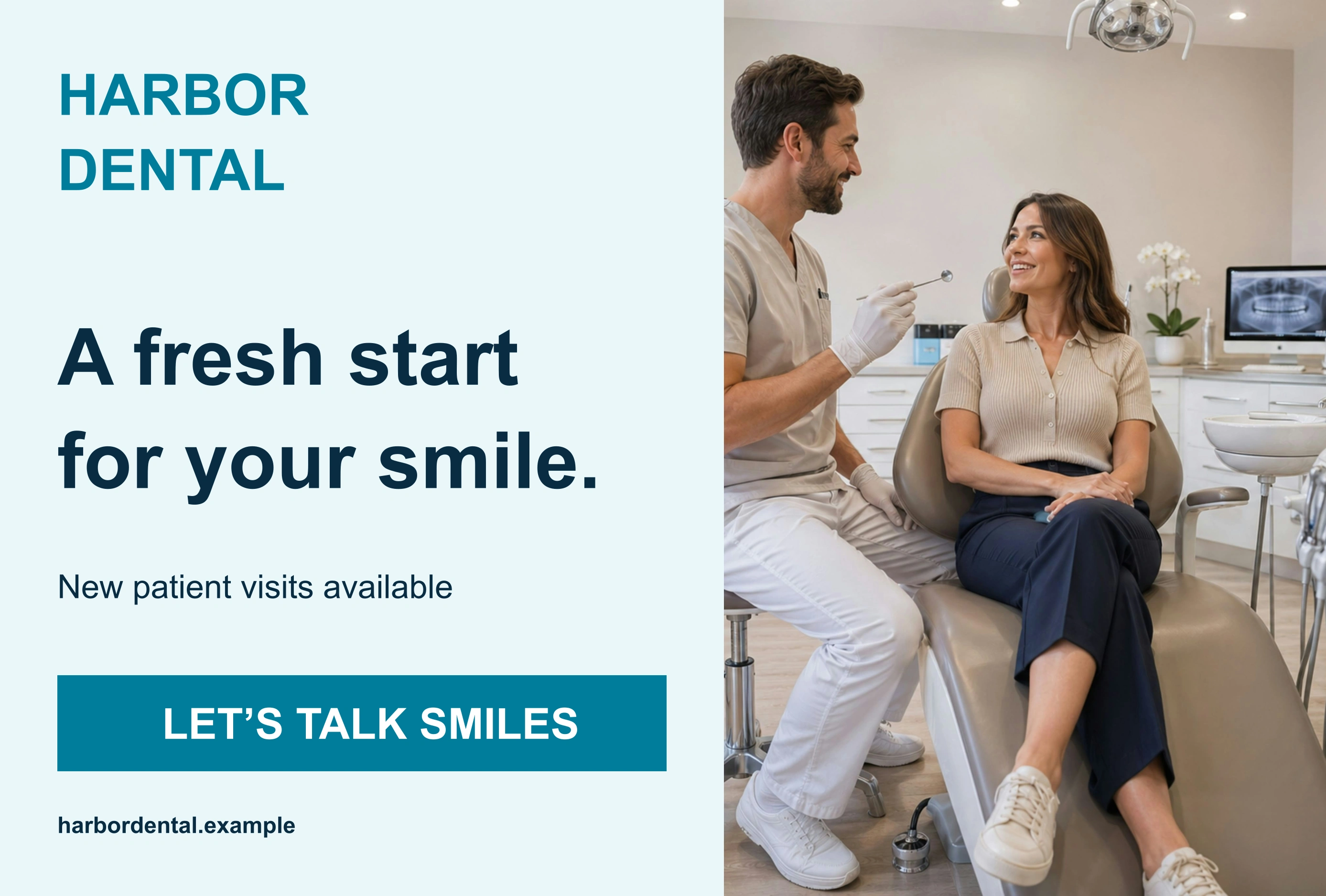
Example design. Make it yours with your brand and offer.
Show your team, your location, and what a prospective patient can expect when they contact you. Use one invitation to request a first visit.
Explore new-mover audiences with Prime, then review eligible households around your practice. Help someone who is new to the area understand where you are and how to book.
New office hours, a new location, or additional appointment availability can give neighbors a useful reason to notice your practice. Keep the information specific and current.
A STARTING POINT FOR YOUR NEXT CARD
A convenient location. A friendly introduction. Get to know our practice and ask about appointment availability for your first visit.
Example call to action: Request an appointment
Illustrative copy. Add your own business details, offer, and appointment information before mailing.
Use one offer, one clear image, and one way to respond. Make the phone number or booking destination easy to find. If you add a tracking QR code, send people to a page that matches your postcard.
Prepare your artwork →Upload your own mailing list, or use map targeting with Prime to explore customers in your service area. Review eligible recipients and remove duplicates and opt-outs before ordering.
Upload a finished design, create one in the app, or use the design help included with Prime. Check both sides, the contact details, and the offer before approving your postcard.
Review your recipients and the final campaign total. Once you place the order, Prime Postcards handles printing and mailing. Confirm timing before using a time-sensitive offer.
Track qualified inquiries, appointments booked, and first visits completed. Ask new patients how they found the practice and compare results with the full mailing cost. Keep clinical details out of public campaign links and postcard artwork.
Start with a manageable audience and a team ready to follow up. Results depend on the audience, offer, timing, and execution; leads and sales are not guaranteed.
Explore this fictional sample, then make the brand, offer, and contact details your own.
View postcard exampleExplore audience options and review artwork requirements.
Explore more industry campaign guides →
Talk through your campaignYes. Use Prime map targeting to explore your local area or review available new-mover audiences. Check eligible recipients and campaign costs before ordering.
Yes. Use your practice branding and artwork, or create a design in the app. Review the example as inspiration and replace all sample business details.
This page describes neighborhood marketing campaigns. Do not assume a patient-record integration or suitability for protected patient information; confirm those requirements separately before sharing patient data.